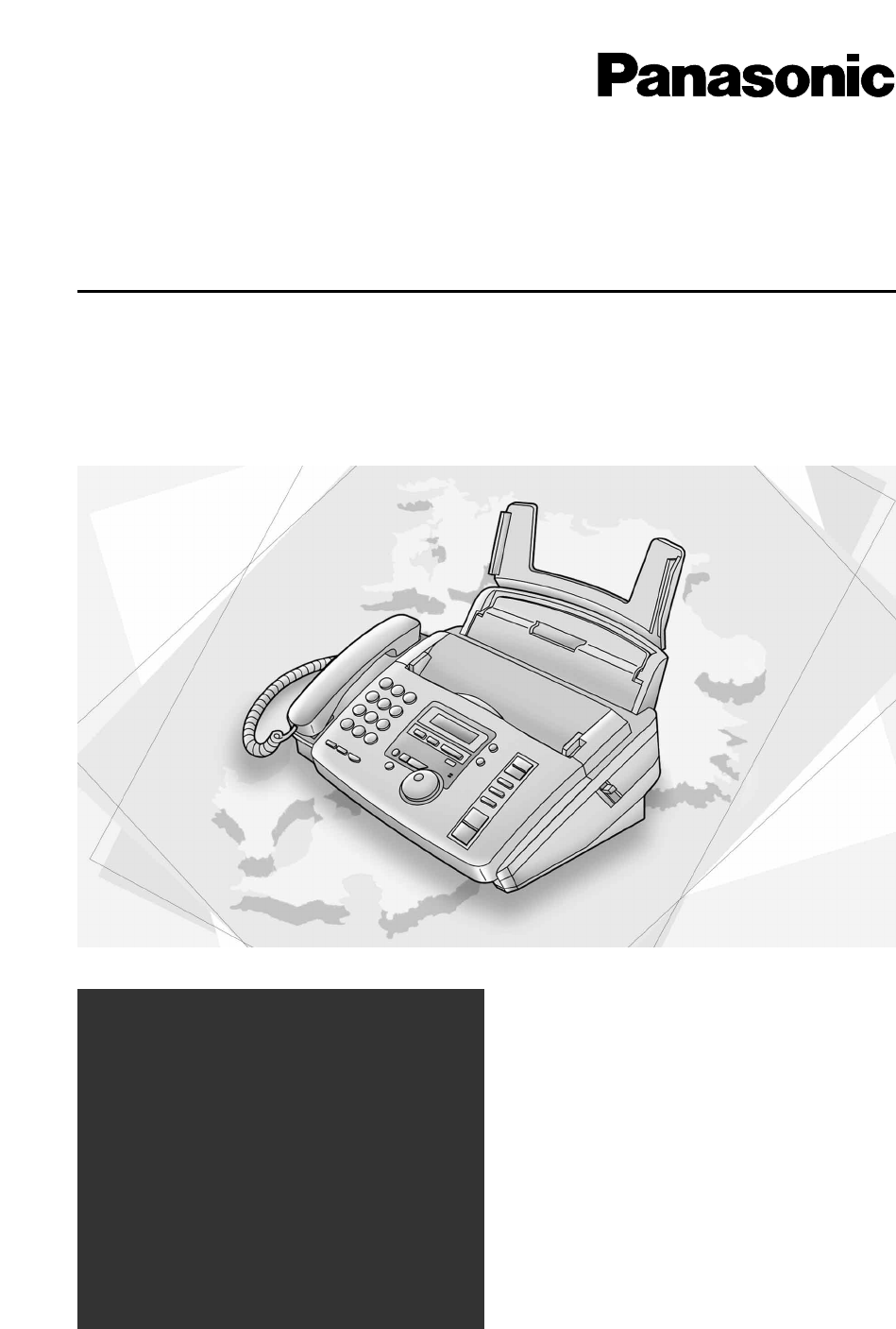
Introduction to Panasonic Compact Plain Paper FAX with Telephone Answering System Model No. KX-FP85 KX-FP86 Operating Instructions:
Thank you for purchasing a Panasonic facsimile.
Welcome to the world of Panasonic facsimiles.
This product combines facsimile, telephone, telephone answering device and
copier features to provide you with more efficient office or home use. By utilizing
these convenient features, you can maximize the effectiveness of this unit.
Panasonic Compact Plain Paper FAX with Telephone Answering System Model No. KX-FP85 KX-FP86 Operating Instructions Table of Contents:
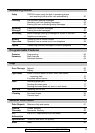
Table of Contents
Initial Preparation
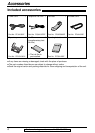
Accessories Included accessories
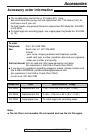
Accessory order information
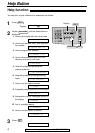
Help Button Help function
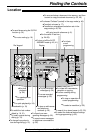
Finding the Location
Controls Overview
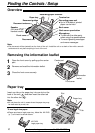
Setup Removing the information leaflet
Paper tray
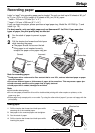
Recording paper
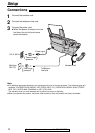
Connections
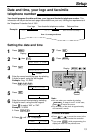
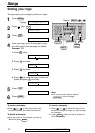
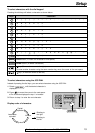
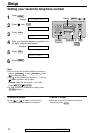
Date and time, your logo and facsimile telephone number
Volumes Adjusting volumes
Telephone
Making and Voice calls - making
Answering Calls Voice calls - answering
TONE, FLASH and PAUSE buttons
JOG DIAL Storing names and telephone numbers in the JOG DIAL directory
Making a voice call using the JOG DIAL directory
Caller ID Caller ID service from your phone company
Calling back using caller information
Storing caller information in the JOG DIAL directory
Erasing caller information
Voice Contact Talking to the other party after fax transmission or reception
Fax
Sending Faxes Sending a fax manually/using the JOG DIAL directory
IQ-FAX
Sending a fax with the voice guide
One time broadcast transmission
Broadcast transmission to pre-programmed parties
Receiving Setting the unit to receive faxes
Faxes TEL mode (answering all calls manually)
FAX ONLY mode (all calls are received as faxes)
TEL/FAX mode (receiving voice calls with rings and fax calls
without rings when you are near the unit)
Using the unit with a computer
Extension telephone
Pager call - when the unit receives a fax or voice message
Copy
Copying Making a copy
5For fax advantage assistance, call 1-800-435-7329.
Programmable Features
Features Programming
Summary Basic features
Advanced features
Answering Device
Setup TAD/FAX mode (using the built-in answering device
and receiving voice and fax calls automatically)
Greeting Pre-recorded greeting messages
Recording your own greeting messages
Erasing your own recorded greeting messages
Incoming Listening to recorded messages
Messages Erasing recorded messages
Recording Memo message (leaving a message for others or yourself)
Telephone conversation
Remote Operating from a remote location
Operation Operation from a remote touch tone telephone
Option Transferring recorded messages to another telephone
Help
Error Messages Reports
Display
Operations When a function does not work, check here before
requesting help
If a power failure occurs
Jams Recording paper jam
Sending document jams
Sending document does not feed, or multi-feeds
Ink Film Replacing the ink film
Cleaning Document feeder
Thermal head
General Information
Print Reports Reference lists and reports
Limited Limited Warranty
Warranty Servicenter Directory
FCC List of FCC requirements and information
Information
Specifications Technical data about this product
Index Index
Here Is the Cover Page Text:
Please read these Operating Instructions before using the unit and save for future reference. FOR FAX ADVANTAGE ASSISTANCE: CALL 1-800-HELP-FAX (1-800-435-7329) E-MAIL TO consumerproducts@panasonic.com for customers in the USA or Puerto Rico REFER TO www.panasonic.com for customers in the USA or Puerto Rico Compact Plain Paper FAX with Telephone Answering System Operating Instructions Model No. KX-FP85 KX-FP86